How to grow a small stream between broadcasts
Give new viewers a reason to join your next stream. Choose one moment, turn it into a short, and measure whether viewers come back when you go live.


Someone who arrives two hours into a livestream has to figure out what you are doing and why it matters. A good short can do that work before they arrive. Treat one clip as an invitation to one specific broadcast.
Give the next stream a premise
“I'll be live on Friday” is easy to scroll past. “On Friday I'm trying the same route with the chat picking every turn” tells a stranger what they can participate in. Choose a premise you would still enjoy with two viewers. During the stream, say the rule out loud so a clip can carry it with your voice.
Build one clip a stranger can follow
Start with a decision, keep the consequence, and leave in your reaction. For a challenge run, those beats might be “I'm taking the shortcut,” a wrong turn, then the laugh when the usual route passes you. Watch it once with the sound off. Can you read the rule? Can you see what changed? Watch it again with sound. If the punchline needs a paragraph beneath the video, choose another moment.
In StormClip, give the clip agent a narrow brief such as “Find the shortcut attempt and keep the part where I admit chat was right.” Check the first frame, fix names in the captions, then watch the export on your phone. A single finished clip gives you something to learn from before you spend credits on another recording.
Make the trip back to live easy
Use the name people will see on your channel. Put your channel link where that app lets viewers follow it. Close the post with the next stream's premise, day, time and time zone. Schedule a clip before you go live. Afterward, share the result so the invitation pays off even for someone who missed the broadcast.
Keep a four-line scorecard
For each clip, record the premise, where you posted it, any channel visits you can see, and whether anyone new appeared at the next stream. A returning chatter who says “I saw the shortcut clip” tells you something a view count cannot. If a clip gets views and nobody visits, revise the invitation. If people visit and leave, open the stream on the promised activity.
Run the same test across three streams before changing everything at once. For a game-specific example, read the GTA 6 stream guide. If you already stream on Kick, start with one Kick VOD or clip.
Trace one viewer's route to your next broadcast
Imagine you stream a weekly repair bench. This week a handheld console turns on only when you squeeze the case. “Fixing a console live” describes the whole afternoon. The squeeze is the moment someone can understand on a phone. Start your short with the screen blinking as you loosen your grip, then keep the sentence where you explain the suspect connector. End on the first successful test. The person watching gets an answer even if they never visit your channel.
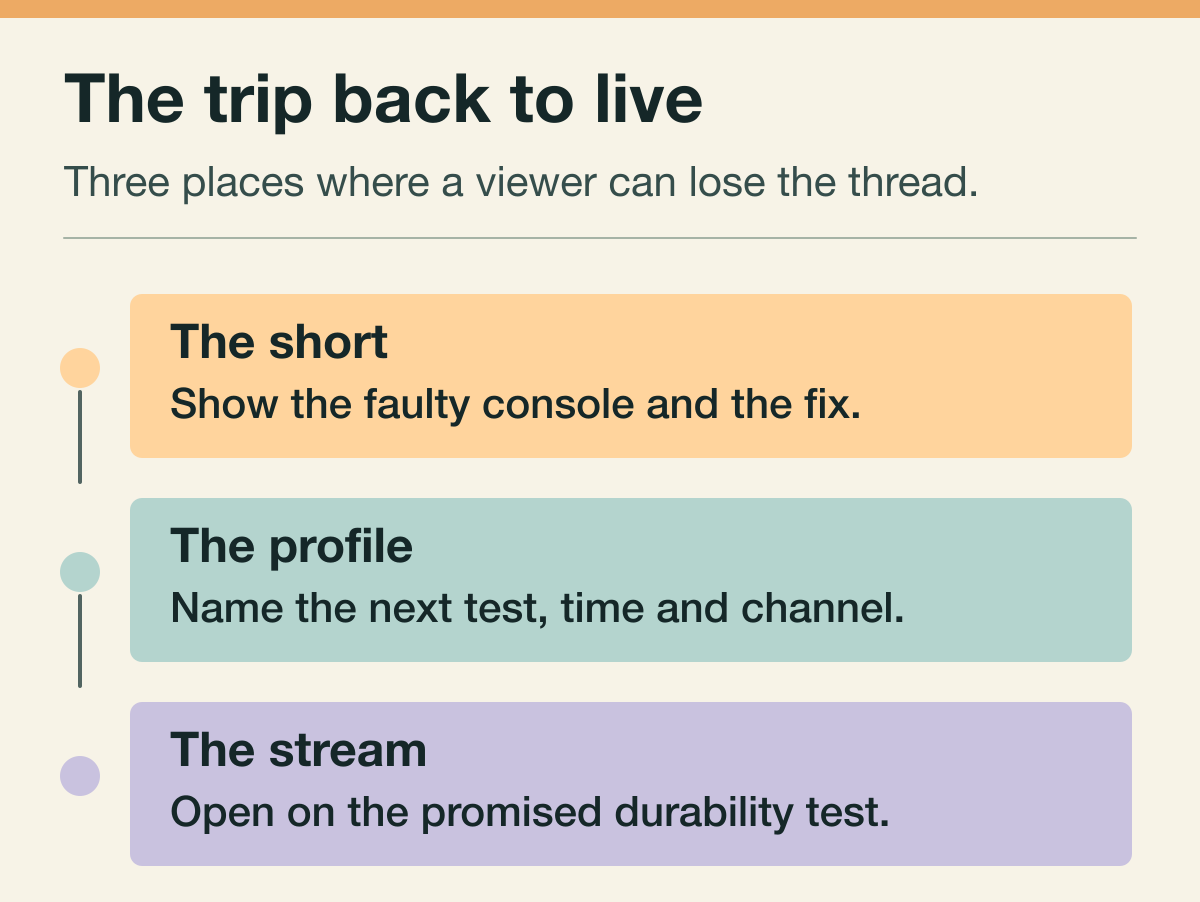
Now make the next broadcast worth finding. Put “Friday, 7 pm Pacific: can this repair survive a full game?” beside the channel link. Open the next stream on the bench with the console already powered up. A newcomer who arrives on time can immediately test their own prediction. If the stream opens on ten minutes of setup, the clip sent them to a different experience than the one they expected.
Read the small numbers without fooling yourself
Use a note with one row per post. Suppose two shorts each get a few hundred views. One gets several likes and a comment about the music. The other gets a question about the connector and a viewer who asks for the result on Friday. Keep the second idea in rotation. It gave you a question you can answer in public and a reason to follow it up on stream.
If a platform gives you profile visits, record them alongside the post date. If it does not, leave that column empty. A new follower may have found you somewhere else. A viewer who names the repair gives you stronger evidence. After three broadcasts, pick one thing to change: the first shot, the invitation, or what people find when they arrive. Keeping the other two steady makes the next result easier to interpret.
Browse all guides →